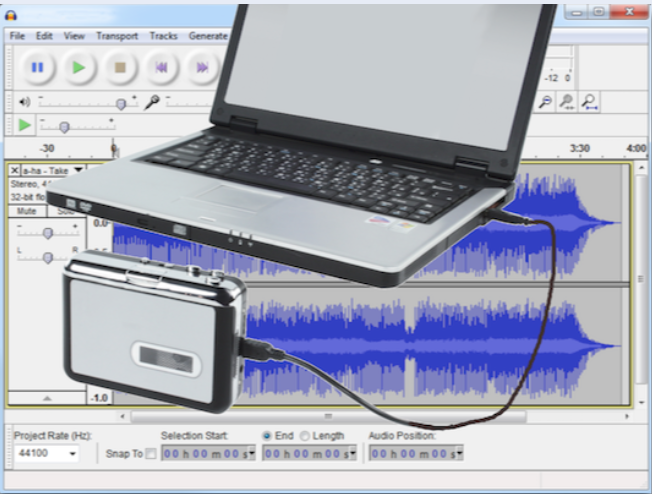
Actually hearing stories, as told by our ancestors, can be quite exciting. To hear them describe their life events, such as how they met, the first home they purchased, what they engaged in as occupations, and so forth can be real treasures to pass on to their posterity.
Digitized audio files can be fairly large in size, in fact almost 1 mb per minute of recording time. That can create problems if you want to upload and share the digital recording to FamilySearch. There is a max 15 mb audio file size that can be uploaded.
By using the Audacity app, the digital files can be edited into smaller audio clips. If you think about it, most taped audio recordings have sections of lesser important "chit chat" information as well as multiple different stories, or a song or two. Or possibly, the person talking is jumping around a lot while telling a story. Those areas of lesser important recording can be edited out. The separate stories can be exported as separate files. If there are quite a few smaller stories in the recording, they can each be exported as a separate recording, breaking one long recording into several smaller ones. We have become a “soundbyte” society preferring shorter than longer files to listen to.
