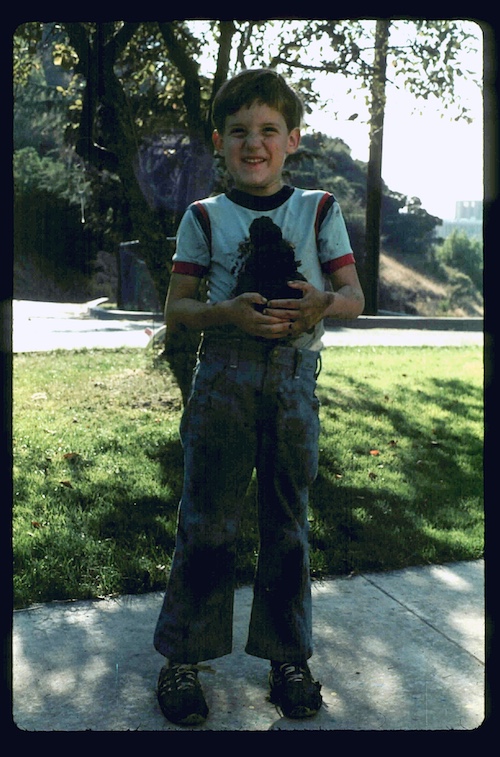
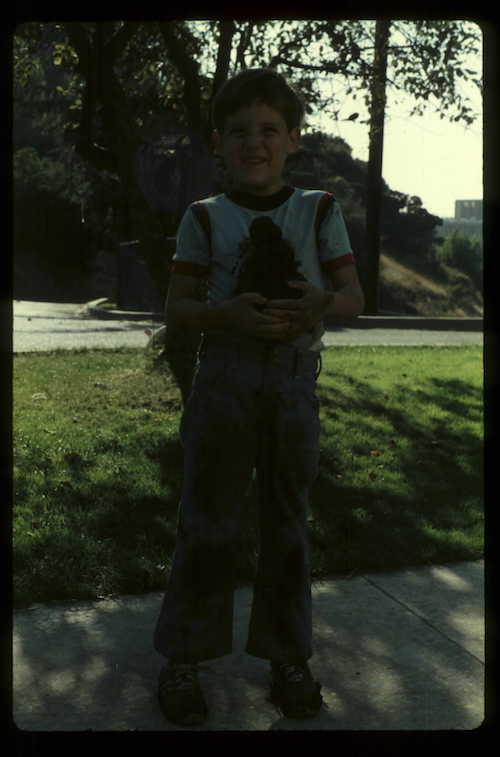
It's frustrating when you have a cute photo, only to note that it is so dark that a lot of detail appears to be gone. There are two ways to try to lighten this dark photo as we will discuss in the tutorial. We’ll start with the “Levels Tool” for this tutorial.
Using a more advanced "Curves" tool, will give you much more flexibility in correcting color tones and light. I will discuss this tool in a different tutorial.
You may find that you can only lighten the photo so much before "noise” or graininess begins to appear. This "noise" can be dealt with using a different tool that we will discuss later.