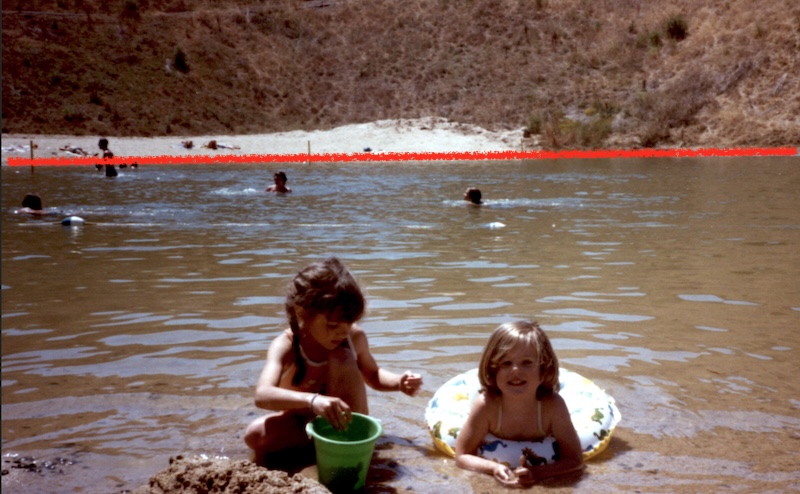
There are many times where photos may need some rotation, often because of poor user planning. Cropping is also helpful, such as to crop (or cut out) a person, too much sky, or such in the photo.
In this photo the horizon is slanted to the left. By rotating the photo to the right we can correct that tilting horizon. Typically after rotating a photo, there are blank areas in the corners that need to be cropped out.
Download the sample file below. It downloads as a “zipped” file and will need to be unzipped on your computer.