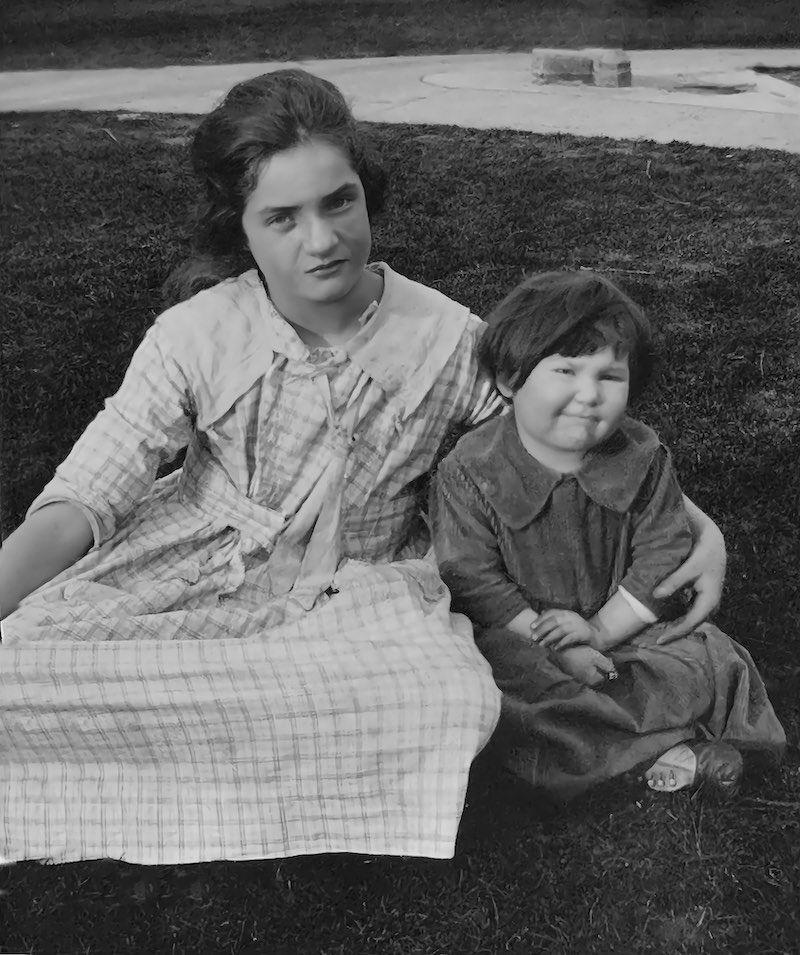
We’ve all done it! We forgot to reduce the scanner’s DPI settings to account for larger photos we scanned. As a result, the image sizes can easily go up beyond 15mb in size, which are not able to be uploaded to FamilySearch. The question now is, “how am I going to reduce the size of these large photos?” There is actually a simple and free way to do this without having to utilize online image apps that carry a risk of malware downloads. (For more information on these risks, click HERE). Let’s use the apps built into the operating systems for Windows 11 and Apple’s MacOS.
Reducing Image Sizes
This image was scanned on a scanner with a DPI setting too high. The image is 16.8 MB in size with a dimension of 6,762 pixels across X 8,080 pixels tall. There are two ways to reduce this file size, 1) reduce the dimensions of the image, OR 2) reduce the quality of the image.
Since this image has rather large dimensions, I would choose to reduce its dimensions rather than the quality.
What dimensions should I reduce to? Click HERE to better understand what dimensions you might select based on the size of the original print. There are minimal dimensions needed to print to different size paper prints. You don’t want to reduce the size of your image dimensions too much.