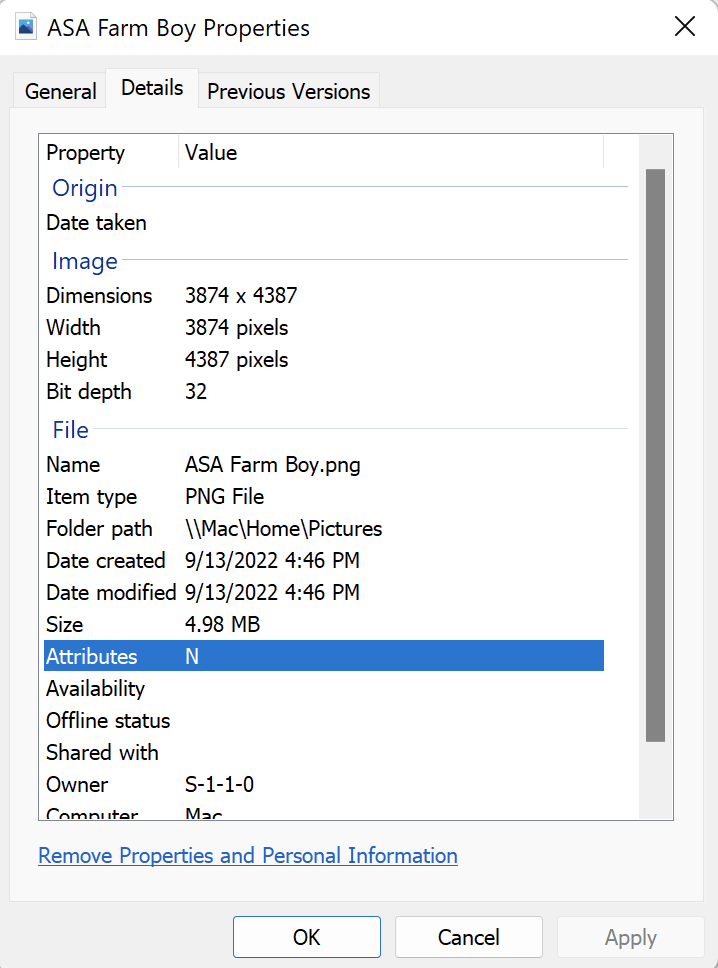
Every file, whether a text, photo, movie, and so on, will have attached "metadata", or "data about that file". There are many data values that can be associated with a file, such as a title, subject, ratings, tags, comments and MANY others. They are "invisible" normally, but can be seen and edited by going to the "Details" tab of the file properties. In the example to the right, there are entries for the Title, Subject, Tags, and Comments. There is also image data to tell you size of the file, DPI, etc.
Why consider using "metadata"? Searching for specific files is greatly enhanced when searching for specific metadata, especially if you have thousands of files.
How Can Metadata Help Me Find Files?
A couple of years ago, one of my cousins asked me if I had any photographs of her in our early lives. I did. I searched through my thousands of image files for her name and within seconds I had filtered out a hundred or so photos with her in them. I would have had to search through NUMEROUS folders and subfolders to find them otherwise. Copies were put in a shared Dropbox folder and the link sent to her so she could download them.
Programs like Adobe LightRoom, darkTable, Adobe Bridge, ACDSee, and other can help with adding metadata to your files, especially in large "batches”. Explore the tutorial below for more information.
