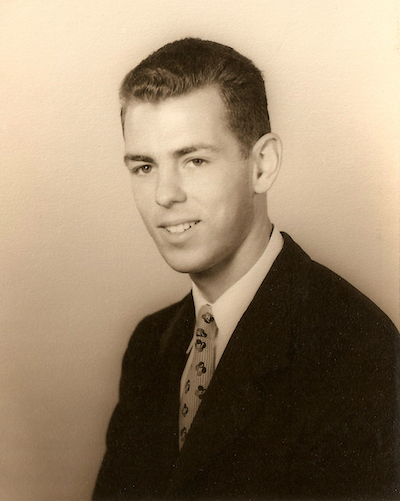
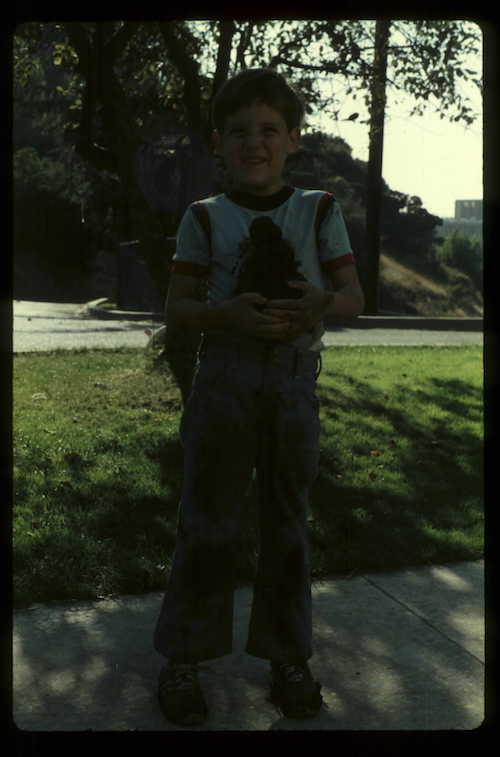
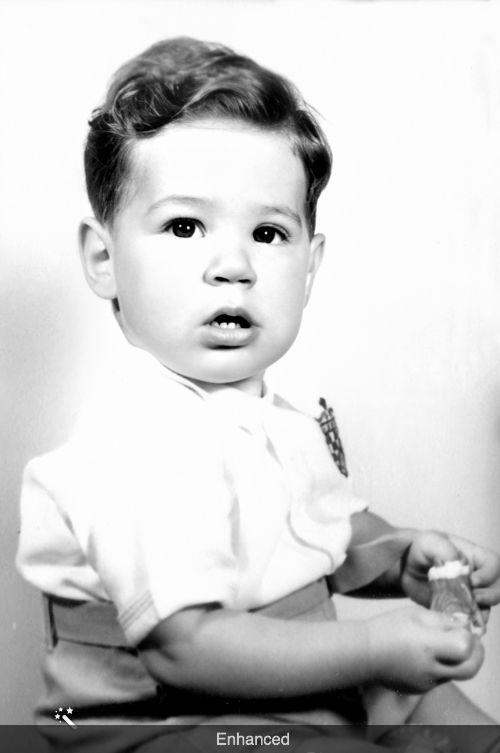
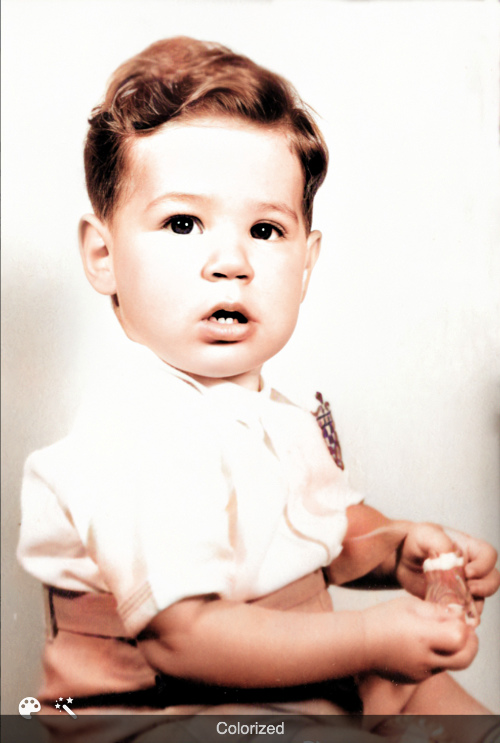
Are you one of the many out there that have old grainy black & white photos of your ancestors, or maybe of your early childhood? Some exciting developments are coming as Artificial Intelligence continues to develop! Artificial Intelligence is slowly creeping into the photography field. "What!", you say? How is this? I admit I was a bit skeptical over the past year or so as different software claimed to have "A.I." capabilities. However, I am quickly becoming a convert to this whole process. Just take a look at the following 3 photos. The first photo is the original, and, okay, it's not that bad of a photo. Keep reading! The 2nd photo has been enhanced (increased pixel density), and the 3rd photo has been enhanced AND colorized. This is a free service for myHeritage.com Premium Members, but if you are not a member, you can still do up to 10 free photos. Yes…this is probably a marketing ploy to increase their membership, but you have to admit that it is pretty catchy! I can edit a photo easily, but it does take a little more time.
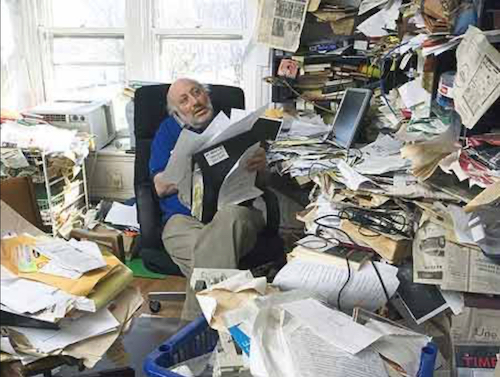
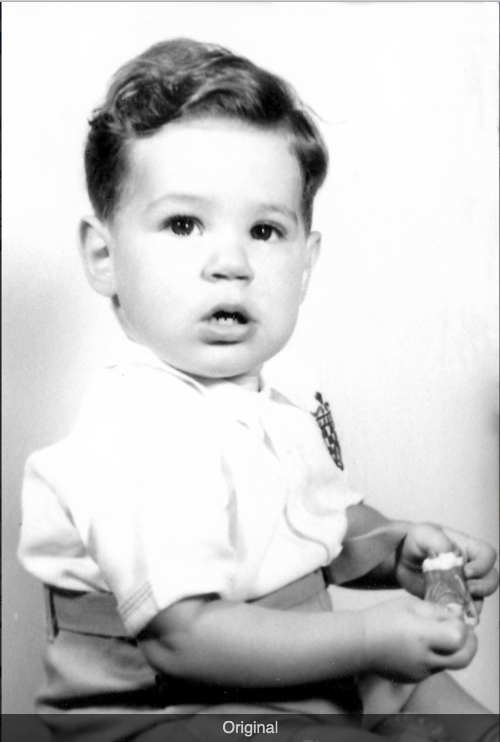
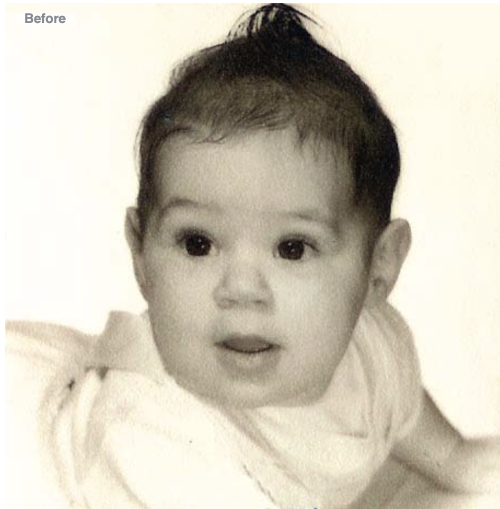
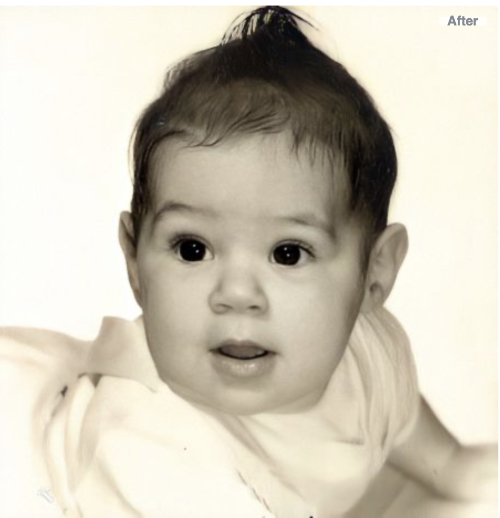
The enhancement is not perfect with the myHeritage software, especially when there are multiple faces in the photo. The enhancement often does not include areas outside of the face region, but hey, it is still worthwhile running your photos through MyHeritage photo enhancement. Personally I am not a great fan of the colorizing, but some folks may like the way their photos look colorized. Let me point you to another site that you can use, also for FREE. You just need to create an account with an email address and password. It is a site called AI Image Enlarger. You can get to it with this LINK. The only drawback with this site is that the images can be no larger than 1200 pixels X 1200 pixels. I don't think the quality is quite as good as MyHeritage, but I didn't use the 8X enhancement, since it is a paid cost. The results still are not bad, so just give the site a try. The max magnification is 4X using the free version. The photo below is one that I ran through the AI Image Enlarger site. There are many software companies that have jumped onto AI to improve photo quality. AI will enlarge your photo by increasing the number of pixels present in your image. It has to "guess" what type of pixels go where based on what is in the image. For example, if an eye looks pixelated, then it knows to fill in pixels that will improve the resolution of the eye area. Much of the time it does a good job, but it's not too uncommon to have some funny looking eyes displayed, expecially if you try to enlarge too much. Just remember that "more pixels" generated by AI, does not neceassarily mean a better picture. This also depends on the sophistication of the software. Topaz Gigapixel (far more sophisticated) is an app that I have used quite a bit that will enlarge the photo for you. I have used Luminar by Skylum and Affinity by Canva quite a bit. There are many others that have followed suit with their own versions of AI enlarging as well. A word of caution about using online enlargers. There are many different online app services that will enlarge your photos, but this has also become a muddied pool with "bad folks" out there enticing you to use their service. They will enhance your image, but they also download maliscious applets that can really mess with your computer and security. If you need some help with editing a photo, contact me through this LINK .
What Other Services Offer This AI Technology?
The Future of Preserving Quality Photos?
By Stephen Meyers — Published: 26 June 2025