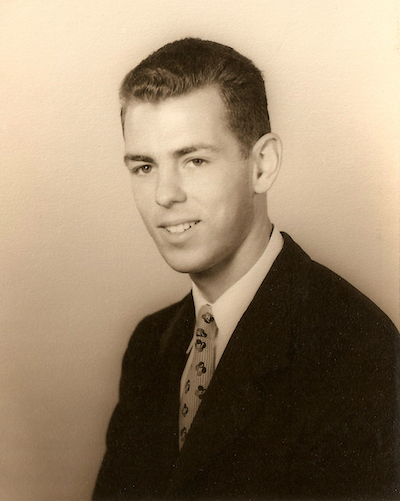
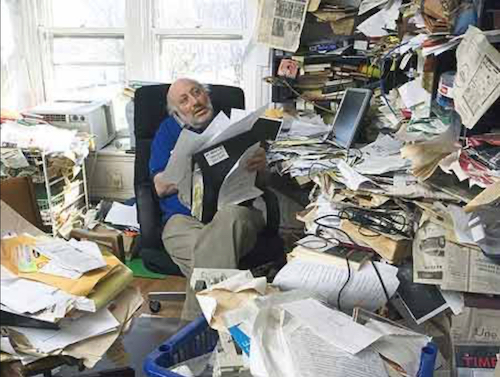
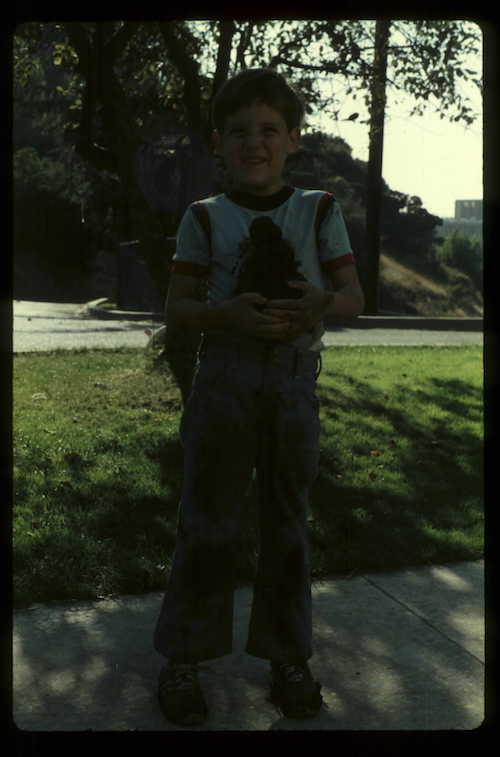
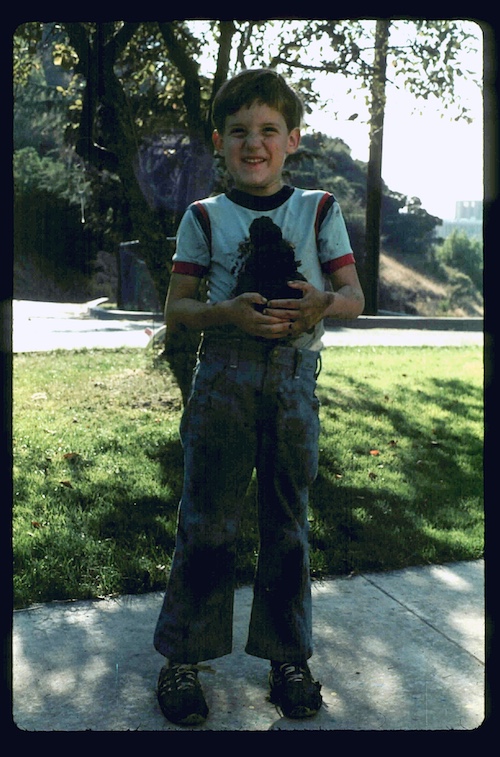
I imagine that everyone has taken at least one "dark" photo in their lifetime . In today's world of digital photography, we likely took so many photos that a "dark" one would have been quickly deleted. However, what about a dark photo of an ancestor 50 years or more ago? What if it was one of only a few photos of that ancestor? Chances are you would want to save it, and think about finding away to brighten it up. Below are some comparisons between a dark photo and one that has been lightened. While everyone has probably heard of Photoshop, there are some free apps that you can use to improve the photo quality well enough. Here are a few apps that I have used. PhotoPea.com is a free online photo editor with some pretty good tools, and uses your browser as the interface. Pixlr.com is another free online browser based photo editor that I used many years ago. There are other online photoeditors that charge a small monthly access fee, but they really don't offer any significant benefits for general photo editing over the two described above. I personally use Affinity Photo for my photoediting choice. It is a free app through "Canva" and has all the editing tools you would ever need for editing your photos. Our local Idaho Falls FamilySearch Center also has 5 copies of Affinity Photo on computers that you can access as well. There is also a free online photo editor on the Canva website that has some very basic but useful tools to adjust for dark photos. I have tutorials using different software options available on how to lighten a dark photo. They use the "Levels Tool" to help with adjusting the darkness of a photo. This tool is also helpful for color correction as well. Another tool, the "Curves Tool" has become my favorite first "go to" tool if there are both lighting and color tone problems. It is a bit more complex to learn, and is a combination of the Levels tool and the brightness/darkness tool. If you need any help in developing your photo editing skills, I would be glad to work with you at our local Idaho Falls FamilySearch Center for those can come in. To schedule a time to sit down and teach you, click HERE to sign up for a scheduled time.
Free Photo Editors
Tutorial Help
Need Some One-on-One Help?
Brighten Up Your Dark Family Photos
By Stephen Meyers — Published: 24 July 2026